




Conversion tracking
Review GA4/GTM, form events and call tracking to measure the actions that matter. Define triggers, parameters and conversion goals, then validate the agreed journeys.
Review my trackingCould not load site configuration. Reload this page or contact the site owner. The form is unavailable.
Connect conversion tracking, CRM feedback and revenue PivotAliss. Use marketing automation to get more from Google Ads.
Review my trackingCampaigns drive traffic.
Visitors take action.
Leads and customers.
Business impact.
Business outcomes inform the next campaign decision.
Measurement strategy
A tracking setup starts with a shared definition of what matters: an enquiry, a connected call, a purchase or a qualified opportunity. Different actions need different measurement rules.
We map the journey, review the existing GA4 and GTM setup, and agree which events should inform reporting and campaign decisions. The aim is a setup your team can understand and validate.
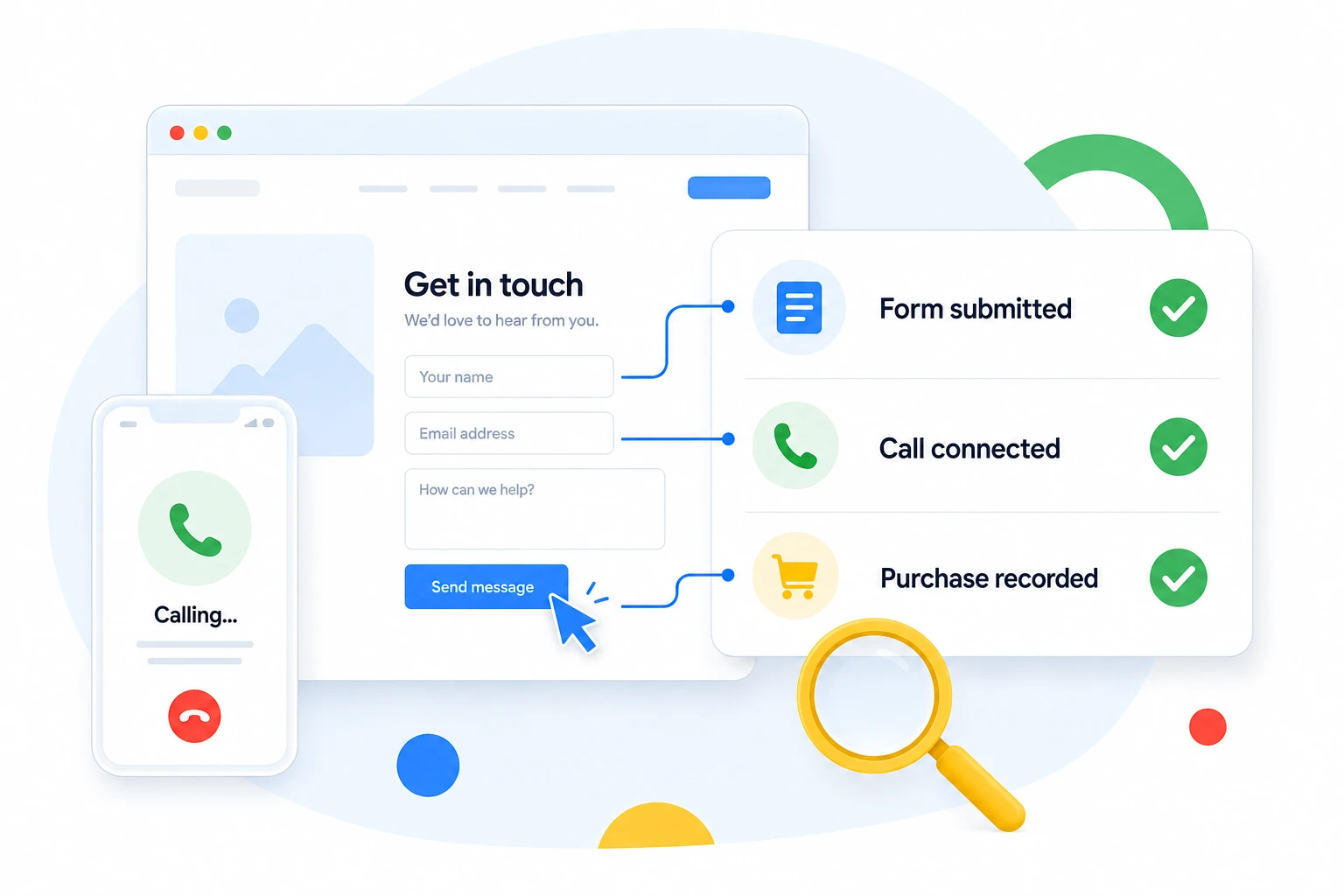
Get a clearer view from ad click to revenue, with conversion tracking and CRM feedback to support smarter decisions.
Review GA4/GTM, form events and call tracking to measure the actions that matter. Define triggers, parameters and conversion goals, then validate the agreed journeys.
Review my trackingReview CRM integration and offline conversions to understand which leads turn into customers. Align qualification stages and available sales feedback with your measurement plan.
Review my trackingConnect revenue tracking and attribution to commercial decisions. Review transaction value, data sources and the limits of the reporting view before interpreting business outcomes.
Review my trackingBeyond the form submission
An enquiry is the start of a sales journey. Your CRM may hold the information that explains which leads were relevant, which became opportunities and which turned into customers.
We review the stages, identifiers and workflow your tools support. From there, we scope a practical connection between lead quality, offline outcomes and campaign evaluation.
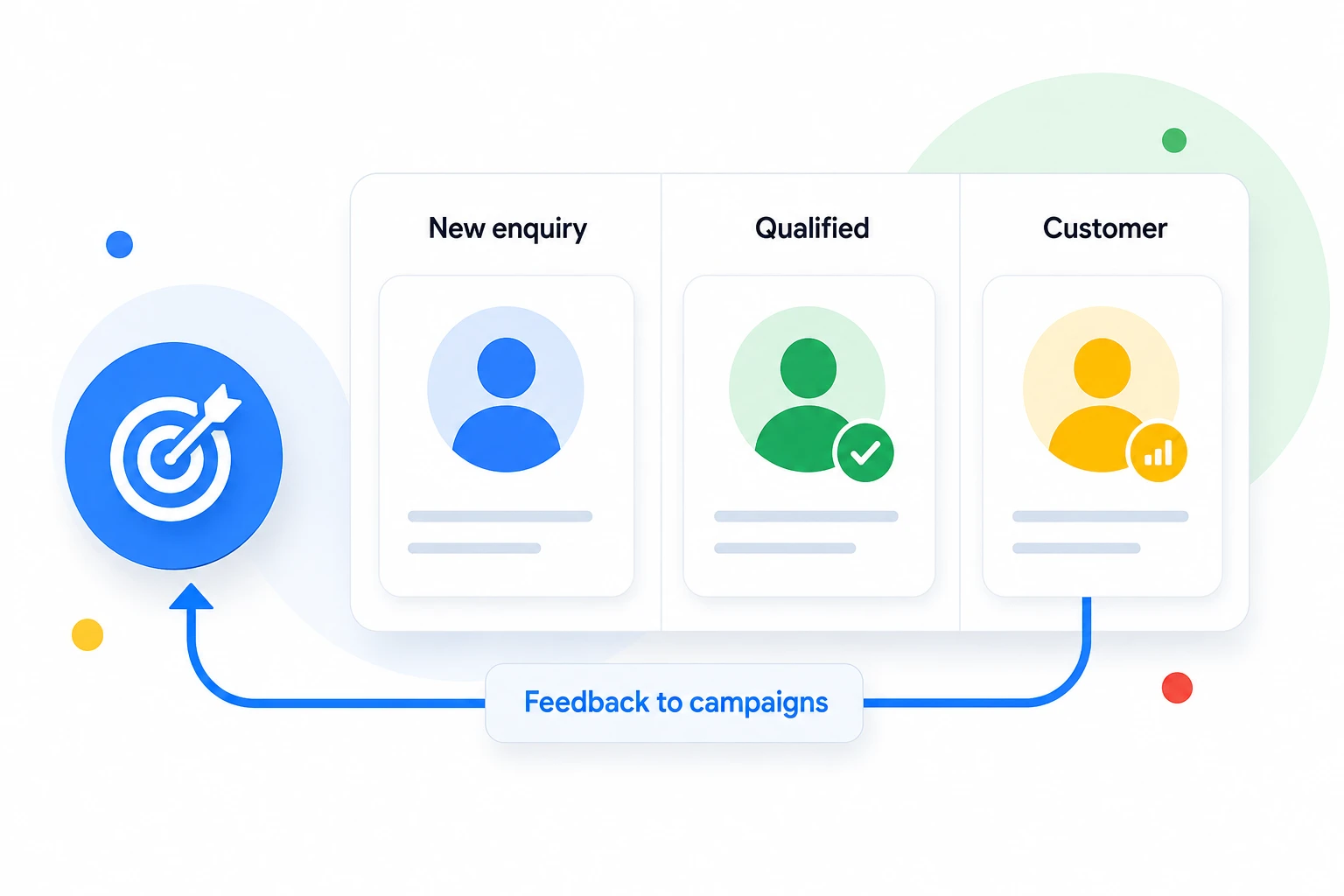
Use automation to keep data accurate, flag opportunities and save time for decisions.
Scheduled reporting with the information your team needs.
Spend and anomaly alerts that flag changes worth investigating.
Qualified-lead feedback for better campaign evaluation.
Feed diagnostics to identify missing or inconsistent product data.
AI assists analysis. People review decisions.
Validation turns an implementation into something you can review. We document test scenarios, investigate discrepancies and make unresolved questions visible.
Test the agreed forms, calls and purchase journeys across the relevant pages and devices. Confirm the trigger represents the intended action.
Check missing or duplicate events, required parameters and value handling. Review how the setup behaves with the site’s consent settings.
Compare test records across the website, measurement tools and CRM. Document differences and the limits of each data source.
The output: a record of what was tested.
Event definitions,
test outcomes, known limitations and the next actions to investigate.
We handle the technical setup and validate the PivotAliss your business needs.
Review your goals, tools and current tracking.
Define meaningful events and how they flow through your funnel.
Implement the agreed tracking and CRM integrations.
Test events and check that the data matches the intended actions.
Quick answers about tracking, CRM feedback, validation and implementation.
We review your tools and available data before recommending an integration.
We assess the available identifiers, permissions and business workflow first.
Timing depends on your tools, access and the complexity of the agreed setup.
We agree on meaningful conversions and review the available business outcomes.
We discuss the access needed for the agreed review. Never share passwords in the form.
We review your request, clarify goals and agree on the next useful step.
Get a free, no-obligation audit of your tracking and automation setup.
We’ll
review your setup, find opportunities and share practical next steps.